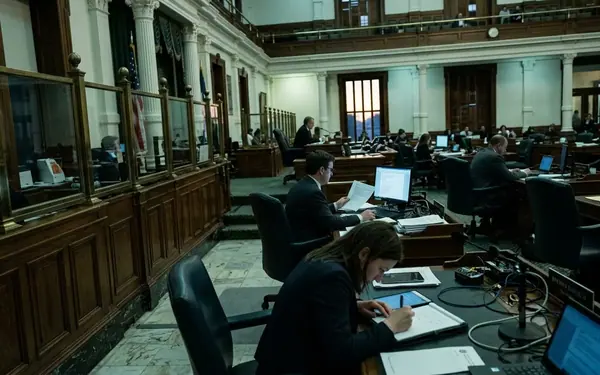
Introduction: Start With the Spending Question
Citizens rarely start their oversight journey with a blank budget workbook. They arrive with a specific claim, a confusing tax bill, a campaign promise, or a rumor about a local contract. Following public money requires matching that initial question to the correct official record before forming conclusions.
Texas state fiscal years run from September 1 through August 31. A search for fiscal year 2025 covers September 1, 2024, through August 31, 2025, rather than the calendar year. A useful first pass separates records into four distinct lanes: budget authority, actual payments, procurement files, and campaign finance disclosures.
For a local claim heard in spring 2025, the first documents to save are the agenda packet, the adopted budget page, the vendor name, and the meeting date. No single database explains every decision. The strongest approach compares official spending records, budget documents, campaign filings, and local meeting materials.
First, Match the Question to the Record
Mismatched searches create false contradictions. A payment database answers whether a vendor received funds. A budget document explains the authority to spend those funds. Cross-referencing several independent document types helps establish a fiscal timeline, but no single database captures every transaction phase. In practice, a vendor may not appear in a statewide payment search if the payment was made by a county, school district, special district, or a prime contractor rather than directly by a state agency.
Recommendation: Search vendor names using at least three variations: the legal entity name, a shortened public-facing name, and any specific name shown on an agenda item or invoice.
Use fiscal-year searches alongside meeting-date searches. A board approval in May 2025 may not produce a payment until fiscal year 2026 if the invoice is processed after September 1, 2025.
When searching agendas, copy the exact wording of the item. Look for phrases like "consider and approve," "interlocal agreement," "change order," "renewal," or "professional services agreement." For public bodies with monthly meetings, check the meeting immediately before approval, the approval meeting, and the next two meetings. Staff memos, contract awards, and payment authorizations often appear in separate packets.
1. Texas Comptroller Transparency Tools
The Texas Comptroller transparency resources serve as the primary starting point for statewide spending, revenue, and purchasing records. This authoritative state source tracks many fiscal records. It does not always explain the policy debate or the local vote behind a specific payment.
These tools work best after you identify a specific anchor. Search by state agency name, payee name, appropriation category, or contract title. Save the exact spelling shown in the initial result because later records usually rely on that formal name.
For state spending checks, compare fiscal year 2024 and fiscal year 2025 directly. Mixing calendar-year dates with state fiscal-year totals distorts the analysis. If a claim states a state program spent more this year, the practical test compares the same spending category across the exact same fiscal-year window.
2. Legislative Budget Board Budget Documents
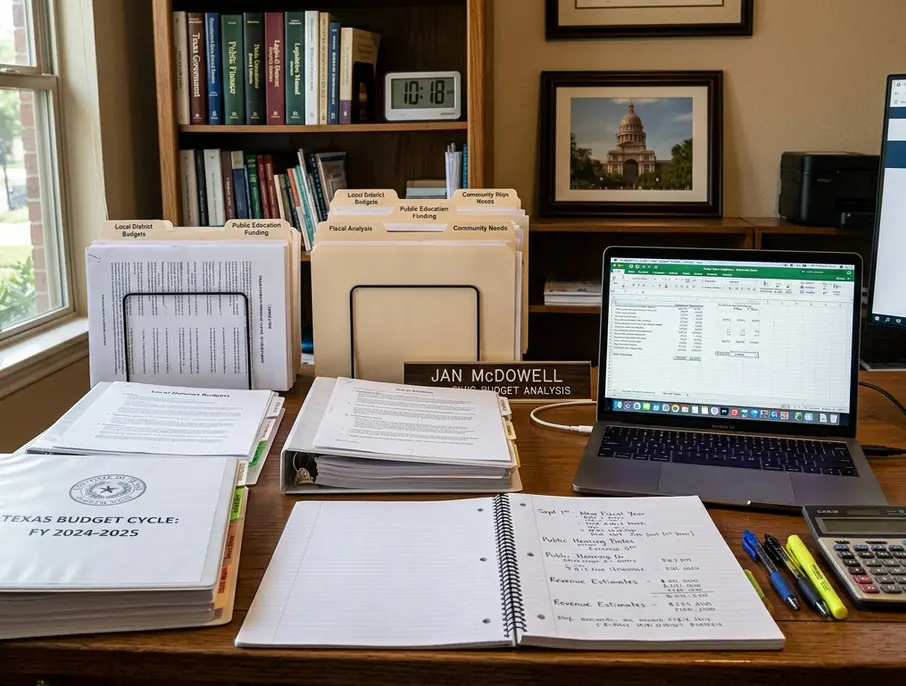
The Legislative Budget Board (LBB) helps citizens separate authorized spending from money actually paid out. Texas regular legislative sessions occur in odd-numbered years and are limited to 140 days. The 2025 regular session ran from January 14 through June 2.
Use LBB materials during the bill-review period to find whether a proposal adds a cost estimate, changes funding sources, creates duties for an agency, or shifts authority between programs. Agency budget requests, appropriations summaries, fiscal notes, and conference materials describe planned spending before a vendor ever appears in a payment database.
A budget increase does not necessarily mean a new program was created—it may reflect a shifted funding source, delayed capital spending, federal pass-through money, or an accounting-category change. A practical comparison starts by identifying the appropriation or rider in LBB-related budget documents. You then search payment or contract records after the fiscal year begins on September 1.
3. Texas Open Data Portal and Agency Datasets
The Texas Open Data Portal and individual agency datasets provide downloadable tables, program records, maps, permits, and performance measures. These resources are most useful when you already know the program, agency, geography, or date range you want to test.
On data portal pages, check the dataset description, last-updated field, column list, and any linked data dictionary before filtering or exporting. Useful search terms include agency name, program name, grant name, county, fiscal year, permit type, and inspection status.
For comparison work, export the same fields across the same period, such as September 1, 2023, through August 31, 2025, before sorting the data. Record whether the dataset refreshes daily, monthly, quarterly, annually, or on an irregular schedule.
Risk Factor: Open-data tables are only as strong as the agency’s definitions, refresh schedule, and completeness statement. Always read the dataset page before making a public accusation based on missing rows.
4. Texas Ethics Commission Campaign Finance Filings
Campaign finance records belong in a fiscal accountability toolkit because spending oversight often requires political context. Texas Ethics Commission filings show reported contributions, expenditures, and political committee activity. Many Texas campaign filers have recurring semiannual reporting dates of January 15 and July 15. Additional election-period reports depend on the specific race and filer type.
Search by candidate, officeholder, political committee, contributor, payee, and vendor name. Use name variants when a donor or vendor appears with initials, a formal entity name, or an abbreviated committee name.
Critical Insight: A campaign contribution near a vote is a lead for further checking, not proof of influence. It must be compared with agendas, minutes, contracts, public statements, and the official vote record.
Compare campaign activity against dated public records. Look at the agenda posting date, meeting date, vote date, contract execution date, invoice period, and payment date. Build a timeline in day-level order rather than grouping everything into a month. Campaign reports, agenda packets, and contract files frequently cluster close together.
5. Local Government Portals, Agendas, and Public Records Requests
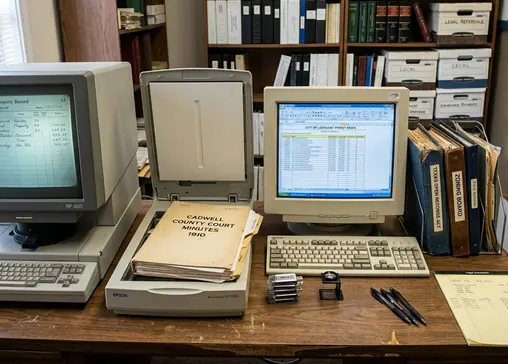
City, county, school district, community college, appraisal district, and special district websites hold the records closest to actual decisions. Typical local sources include adopted budgets, check registers, annual financial reports, agenda packets, meeting minutes, bond presentations, and tax-rate notices. Formats and search quality vary widely from one government body to another.
Texas open-meeting notices are generally posted at least 72 hours before a regular meeting. Agenda searches should include the three days before the meeting date as well as the meeting day itself.
When a contract, invoice, email, or staff memo is not posted online, you must move to a Texas Public Information Act (TPIA) request. Ask for records by date range, vendor, department, meeting item, contract number, invoice number, or project name rather than asking for all records about a broad issue. If a government body believes information may be withheld and seeks an attorney general ruling, the guaranteed deadline to watch is the 10th business day after the written request is received.
A Simple Workflow: Track One Local Contract
To see how these tools connect, track a single proposed county technology contract.
Step 1: Find the agenda packet. Capture the meeting date, agenda item number, department, proposed amount range, contract title, and vendor legal name.
Step 2: Identify the budget line or funding source. Compare the board item against the adopted budget, bond materials, or change-order log for the same fiscal year.
Step 3: Search state or local payment records for the vendor. Use a date range that fits the decision trail. Search March 1, 2025, through August 31, 2025, for evaluation records around a spring approval. Extend the search to September 1, 2025, through August 31, 2026, for payments made after the new fiscal year begins.
Step 4: Check campaign finance filings for relevant political context. Look for the vendor's legal name and key executives in the semiannual reports surrounding the contract award date.
Step 5: Request missing documentation. File a TPIA request for the specific invoices, scoring sheets, staff evaluation memos, executed contract pages, amendments, and change orders using the exact project title.
Save all URLs, dates, search terms, and document titles in a single tracking ledger so the exact trail can be replicated step-for-step by neighbors, journalists, or public officials.